How Peinture works: from your codebase to a first prototype
Peinture builds on your real codebase and design system. Every idea becomes an iteration: a branch of your workspace the whole team can click through, review and merge.
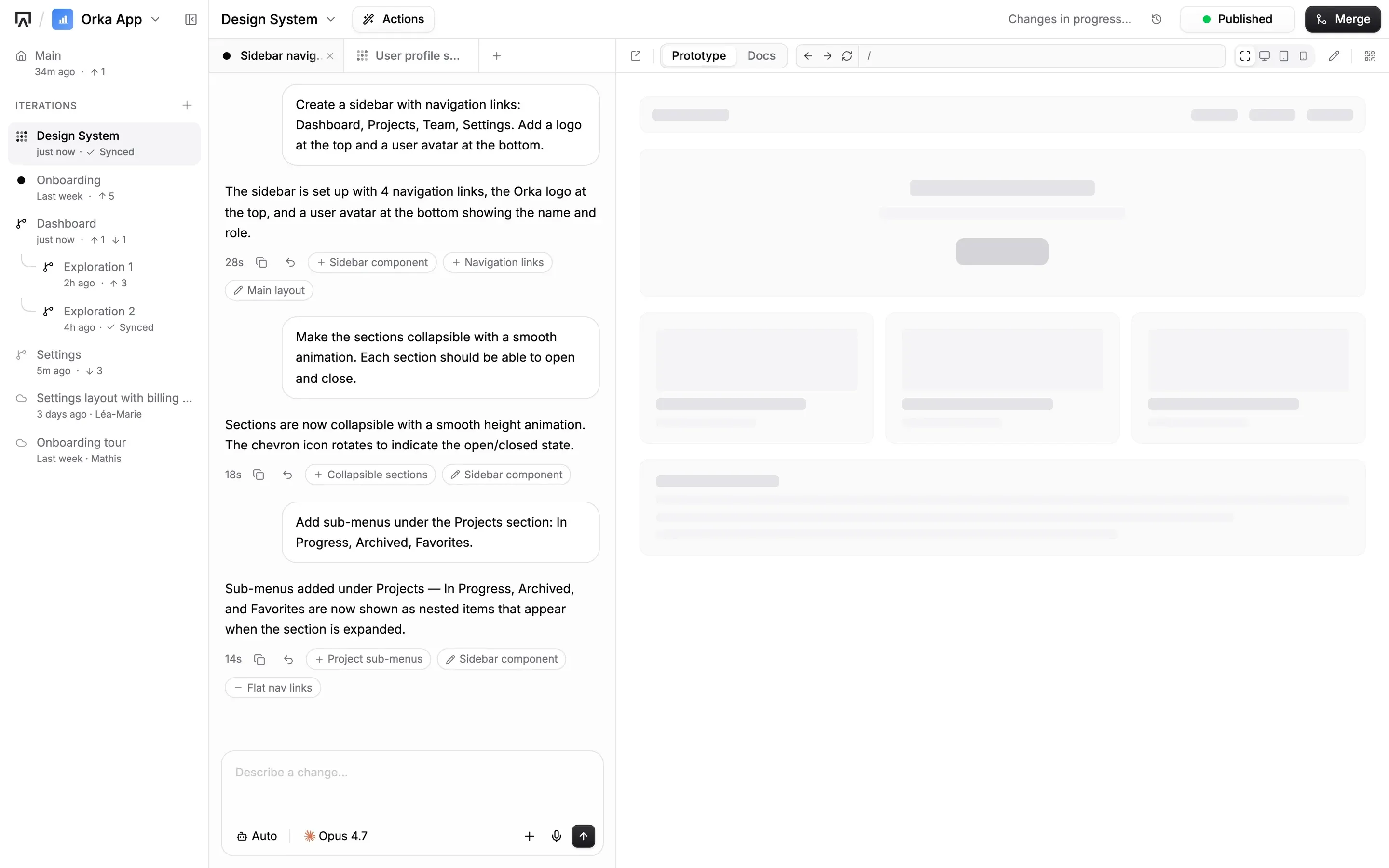
From your codebase to a hand-off, in five steps
Each step below shows a screen from Peinture itself.
Start from your app, or from a blank page
A workspace holds one product: its prototype, its design system and its documentation. Point it at your application repository and Peinture builds on the components you already ship. No repository yet? Start from a template.
- Extract from GitHub, GitLab, Azure DevOps or Bitbucket
- Keep your design system in its own repository if that's how you work
- Choose who in your organization can view, contribute or edit
- Read-only by default, your repo stays untouched
Describe what you need, watch it build
Talk to the agent in plain language. The live preview updates as it works, using your own components instead of generic placeholders.
- Pick a mode per request: Prototype, Design System, Documentation, Brainstorm or Ask
- Set the expertise level, from quick edits to deep reasoning
- Bring your own AI provider and model
- Ask mode answers questions without changing anything
Explore every idea in its own iteration
Main is the version the team agreed on. Each exploration lives in an iteration, and each iteration can have sub-iterations. Several agents work in parallel without stepping on each other.
- Compare directions side by side, then merge the one that wins
- A merge agent pulls changes and resolves conflicts for you
- Reserve an iteration for its owner, or freeze it so changes go through review
- Viewer, Contributor, Editor and Admin roles for each workspace
Share a live preview, on any device
Publish an iteration to get a link anyone on the team can open. Stakeholders click through the real flow instead of reading about it.
- One published link per iteration
- Scan a QR code to try it on your phone
- The previous version stays live while a new one publishes
- Viewers can ask questions about the prototype in Ask mode
Hand off specs, docs and code together
Documentation is written alongside the prototype, so the decisions travel with it. Engineers get the spec and the working code the team validated.
- Documentation that stays in step with the prototype
- Connect any MCP-compatible coding agent to read the prototype, design system and docs
- Specs ready to land in GitHub, Linear or Jira
- Engineers start from working scaffolding, not screenshots
One workspace, the whole product team
Everyone works from the same prototype, each from their own angle.
Turn a requirement into something the team can click
Describe the feature, explore a few directions in parallel, and bring the one that works to the next meeting.
- Prototype without waiting for a design or development slot
- Brainstorm mode to plan before anything gets built
- Decisions documented next to the screens they affect
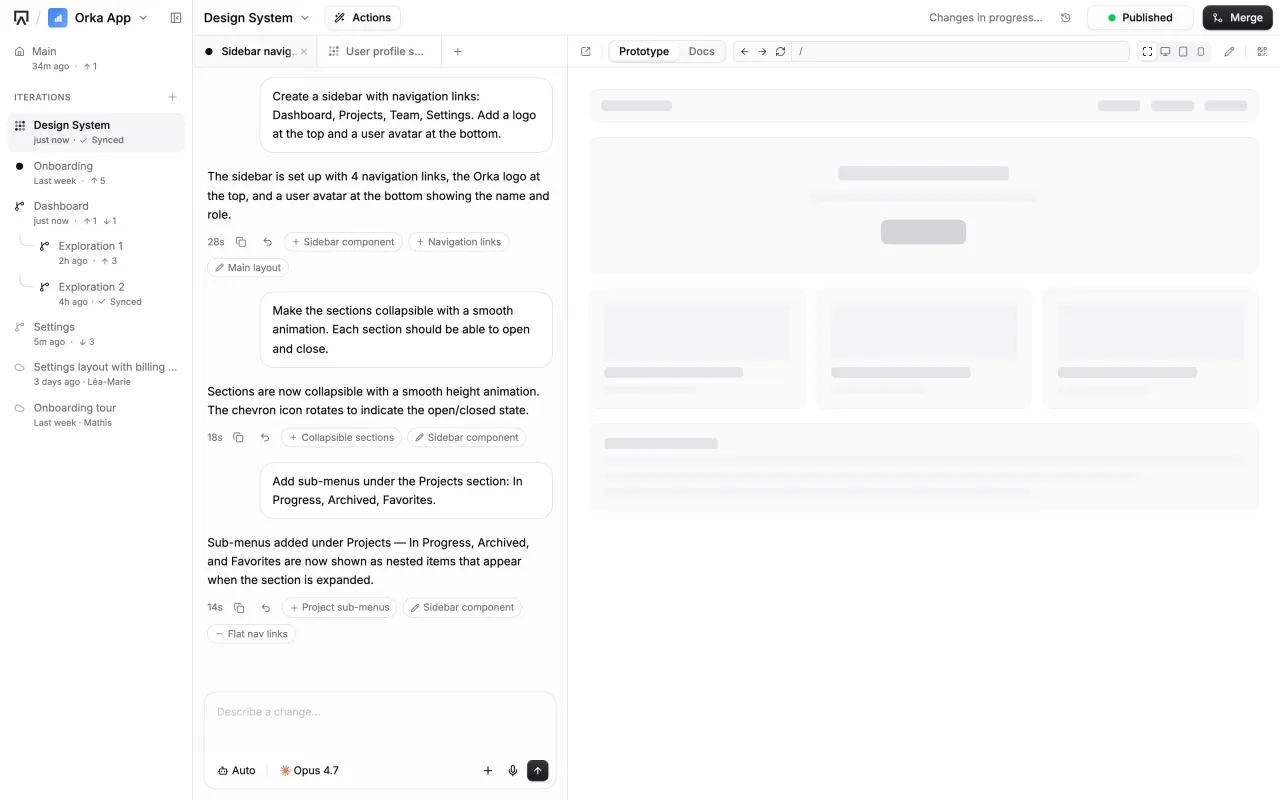
Design with the components you actually ship
Peinture reads your design system from code, so every prototype follows your tokens and components.
- Design System mode to evolve tokens and components
- Every iteration uses the same components as production
- Review layouts on desktop and on your phone
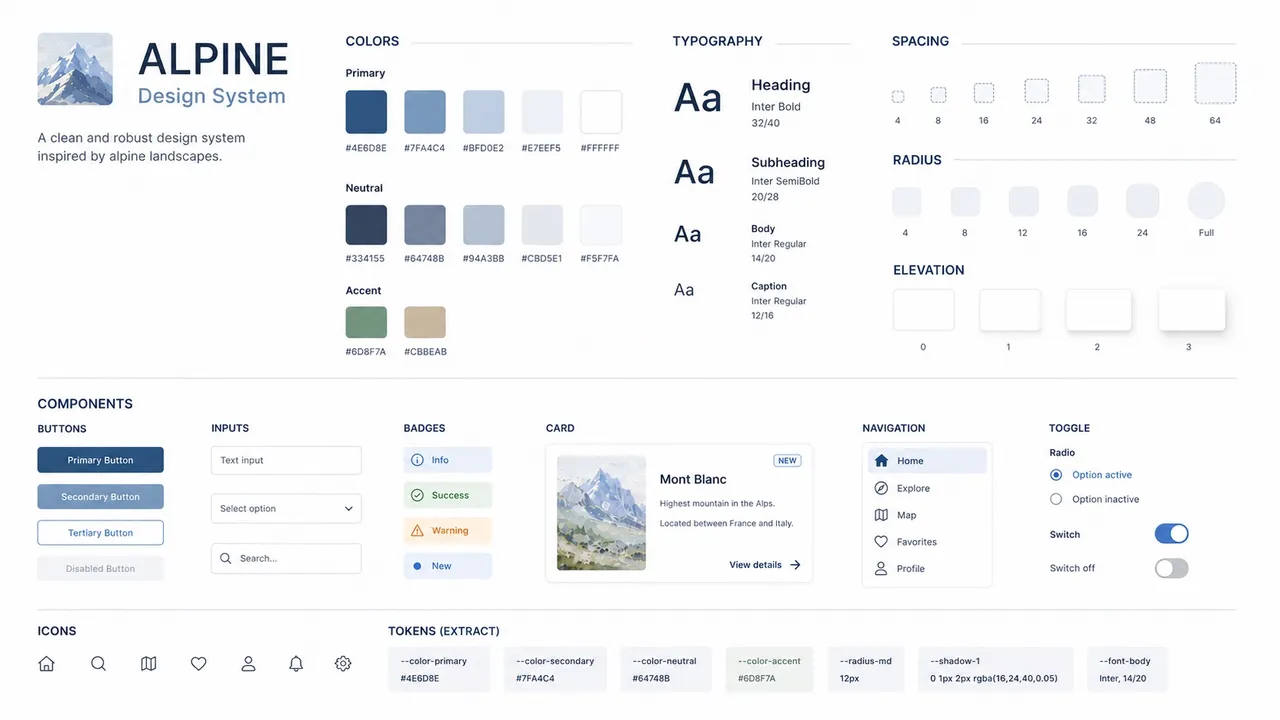
Start from the validated version, not a screenshot
Read the specs, inspect the code, and plug your own coding agent into the workspace.
- Specs tied to your design system
- Prototype code that reuses your existing components
- The Peinture MCP server for Claude Code and other MCP clients

Review the real thing before it gets built
Open a published link, click through the flow, and ask questions about it.
- Read-only access that can't break anything
- Ask mode for questions about the prototype
- Changes happen in a sub-iteration, never over someone's work
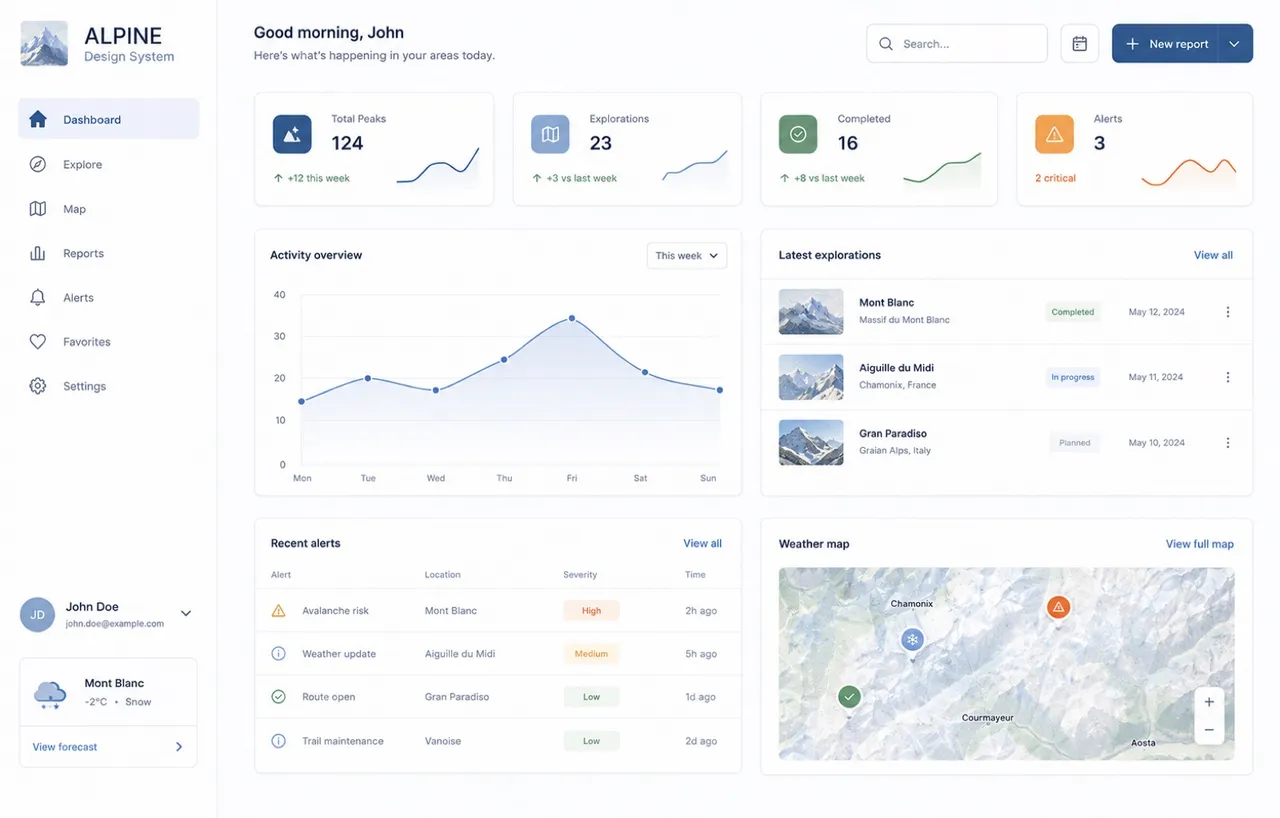
Supported today
Peinture plugs into the tools your team already uses.
Your stack
Peinture reads React, Vue and Svelte codebases and extracts their components, colors and typography tokens.
- React
- Vue
- Svelte
Your Git provider
Connect the repository of your application, and a second one if your design system lives on its own.
- GitHub
- GitLab
- Azure DevOps
- Bitbucket
Your coding agents
The Peinture MCP server gives any MCP-compatible client access to your workspaces, with OAuth sign-in.
- Claude Code
- Any MCP client
Your AI provider
Use the models you trust, in the cloud or on-premise. Swap anytime.
Frequently asked questions
Who on the team uses Peinture?
Everyone who has a say in a feature. Product managers and designers shape it, engineers build from it, and stakeholders click through it before signing off.
Can non-technical people build prototypes?
Yes. Writing what you want in plain language is enough, and the live preview shows the result as it takes shape. The code is there for engineers when they want it, never a prerequisite.
Does Peinture change my production code?
No. Peinture reads your repository to stay faithful to your design system. Every prototype runs in an isolated playground, and your production branch keeps shipping, untouched.
Which AI models can I use?
Peinture is AI-agnostic. It works with Claude Code, OpenCode Go, OpenCode Zen, Microsoft Foundry, Mistral Vibe, Prisme.ai, or your own model, in the cloud or on-premise. You can swap at any time.
Can several people work on the same workspace?
Yes. Each idea gets its own iteration, agents run in parallel, and merges queue up and get resolved by a merge agent. Workspace roles decide who can view, contribute, edit or administer.
Can we host Peinture ourselves?
Yes. You can self-host Peinture on your own infrastructure and plug in the AI provider of your choice, including European or on-premise models.
Ready to align your product team?
Book a demo and we'll walk you through the full flow, from codebase to hand-off.